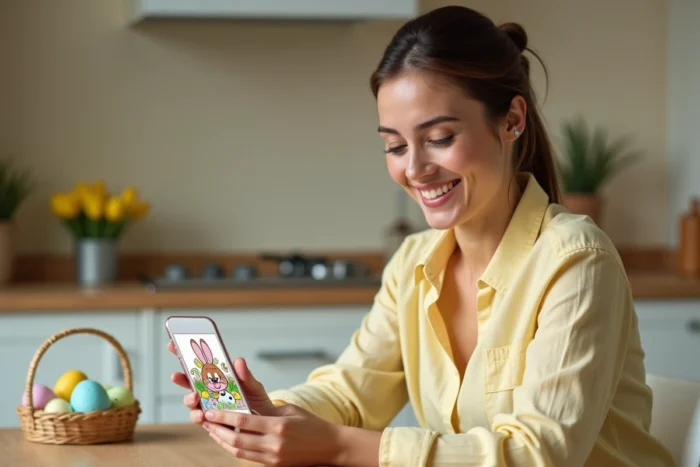
An Easter GIF that loops at 15 frames per second on a smartphone screen does not produce the same effect as a static card sent by email. The format, file size, distribution channel, and rendering on the recipient’s screen determine whether your festive animation will be smooth or choppy.
We recommend treating these animated images to wish Happy Easter as a micro-technical project rather than just a simple download from a stock image bank.
GIF Compression and File Size for Mobile Messaging
The GIF remains an old format, limited to 256 colors per frame. This technical constraint has a direct consequence on Easter animations rich in pastel gradients: solid colors turn into visible dithering as soon as the palette exceeds the limit.
To achieve a correct rendering on WhatsApp, Messenger, or iMessage, the file must not exceed a few megabytes. Beyond that, the messaging app automatically compresses the animation, destroying the smoothness and generating artifacts on the embedded text areas (“Happy Easter,” for example).
We observe that most GIF banks offer files already optimized for integrated keyboards (Giphy, Tenor), but GIFs downloaded from third-party sites like JolieCarte or Centerblog blogs often exceed this threshold. Running the file through a tool like EZGIF before sending allows you to reduce the number of frames, adjust the palette, and crop the dimensions without visible loss of perceived quality.
Those looking for animated images to wish Happy Easter ready to send will save time by prioritizing files already calibrated for mobile sharing.
- Target resolution: 480 px wide maximum for a clear display on smartphones without weight overload
- Frame rate between 10 and 15 fps, sufficient for a smooth animation without inflating the file
- Palette reduced to 128 colors when the GIF relies on uniform pastel shades (eggs, rabbits, flowers)
- Removal of duplicate frames, common in GIFs generated by video conversion
GIF Easter vs. Short Clips: Which Format for Which Channel
The looping GIF is no longer the only format for festive animation. Short clips like Reels, TikTok, or Snapchat stories are capturing an increasing share of seasonal greetings. Snapchat also offers thematic content such as “Artistic Egg Designs” filters or special Easter lenses that transform the sender’s face into an animated rabbit.
The fundamental difference between a GIF and a social clip lies in the intent. The GIF is sent in a private conversation, as a complement to a text message. The short clip is published on a public or semi-public feed, with a lifespan limited to 24 hours for stories.
When the GIF Remains the Right Choice
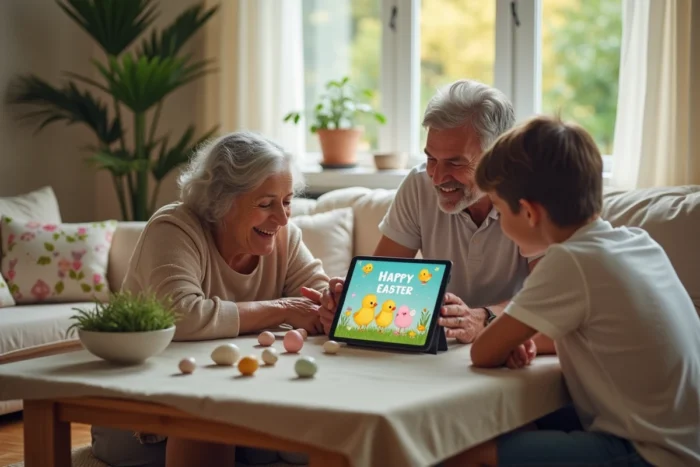
For an individual wish sent via SMS or instant messaging, the GIF retains a clear advantage: it plays without a click, without sound, and integrates into the conversation thread. No need to open a third-party app. The recipient sees the animation directly in the chat bubble.
The GIF also works better for professional wishes sent by email, provided the recipient’s email client supports animation (Gmail and Outlook web do, while some desktop versions of Outlook only display the first frame).
When to Favor Short Video
A clip of 5 to 10 seconds with sound offers a greater emotional impact than a silent GIF. If you are posting your wishes on Instagram, TikTok, or in a WhatsApp story, the MP4 or WebM format will be better compressed, smoother, and compatible with the recommendation algorithms of these platforms.
Create a Custom Easter GIF Without Watermark
Downloading a generic GIF from Giphy or Tenor takes a few seconds, but the result lacks uniqueness. Producing your own festive GIF requires a bit more effort, resulting in a much more striking outcome for the recipient.
The most effective free tools for creating a watermark-free GIF are EZGIF (online conversion and editing), Giphy Create (photo assembly with animated text), and ImgPlay on mobile (capture and editing directly from the phone). La Fabrique du Net identifies them as the current references in the field.
The four-step process remains the same regardless of the tool:
- Capture or gather 4 to 8 photos (painted eggs, table decoration, chocolates) taken under consistent lighting conditions
- Import the images into the tool, set the duration of each frame between 200 and 400 milliseconds
- Add animated text (“Happy Easter,” recipient’s name) in a readable font on a contrasting background
- Export as GIF with the reduced color palette, check the final weight before sending
The most common pitfall: using high-resolution photos without resizing them beforehand. The resulting GIF is then too heavy, and the messaging app compresses it harshly.
Searching for GIFs via Integrated Keyboard: What Giphy and Tenor Really Index
When a user types “Happy Easter” in the GIF keyboard of Gboard or WhatsApp, the results come from Giphy or Tenor depending on the messaging app used. These libraries index GIFs primarily by tags in English. The query “Happy Easter” returns a much larger catalog than “Joyeuses Pâques.”
To find GIFs in French with culturally appropriate motifs (Easter bells rather than Easter Bunny, chocolate eggs rather than Peeps), we recommend testing several queries: “Pâques,” “oeufs Pâques,” “lapin Pâques,” “fête Pâques.” Each variation brings up different results because the search engine of these platforms does not handle synonyms in French as finely as in English.
The most shared Francophone GIFs remain those hosted on platforms like JolieCarte or 123Noël, which offer animations with integrated text in French. Their downside: often excessive weight and the occasional presence of a discreet watermark.
For a wish that combines technical smoothness and a personal touch, the best compromise is to start from a high-quality English GIF found via Tenor, then overlay French text with EZGIF or ImgPlay before sending it. The result weighs less than a Francophone GIF downloaded from a third-party site, and the recipient receives a clear, readable animation without compression artifacts.